






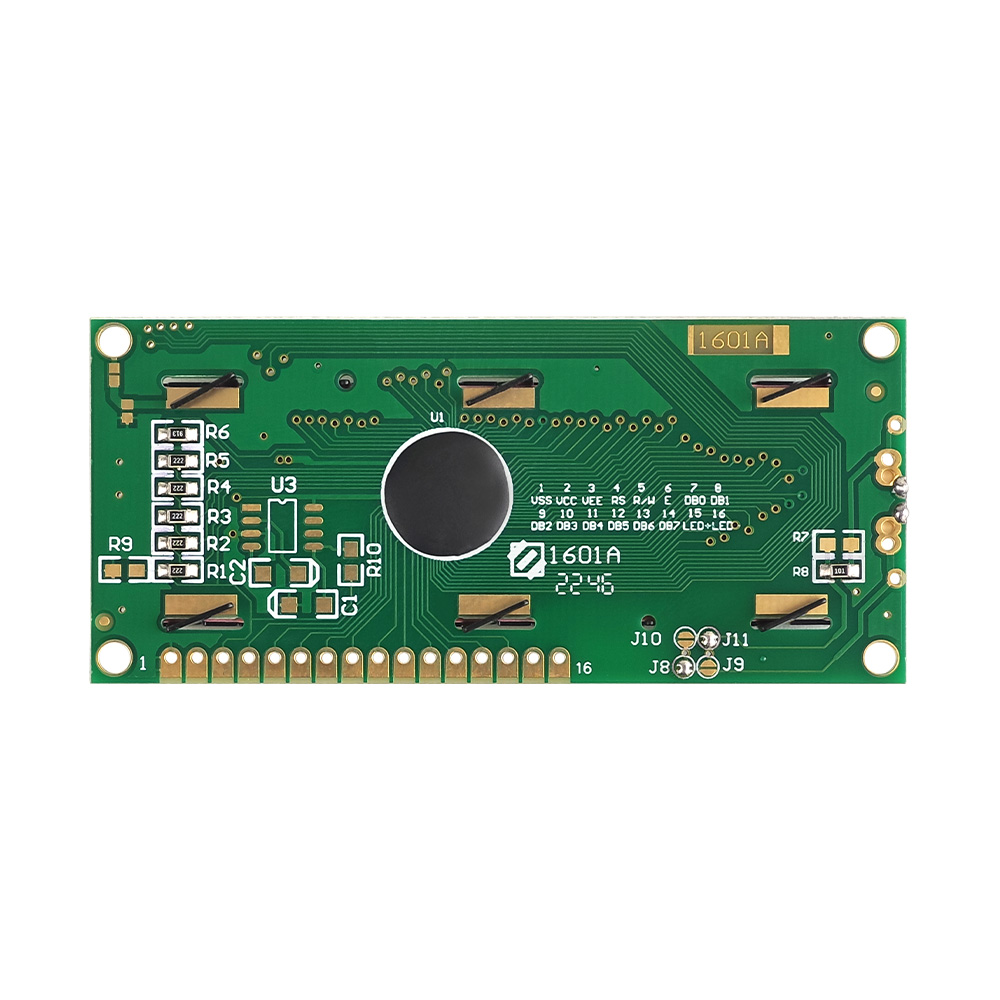


基本情報
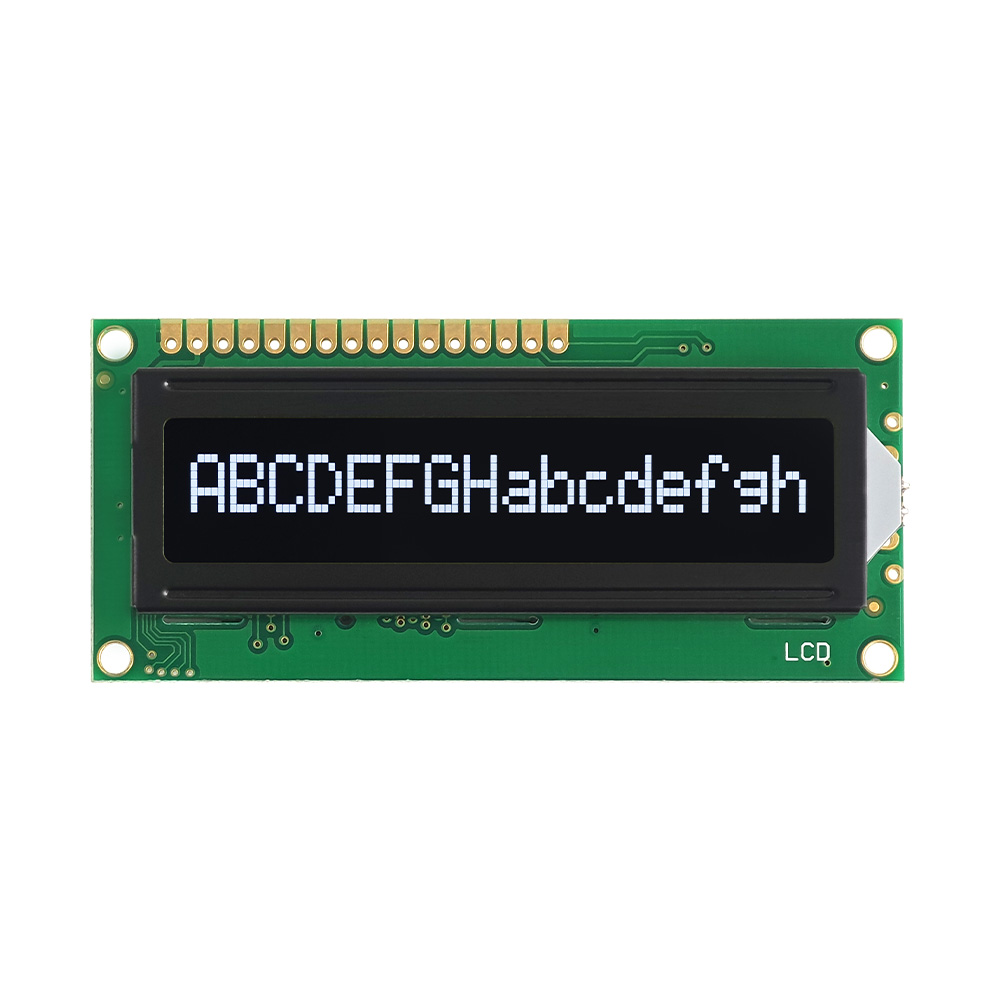
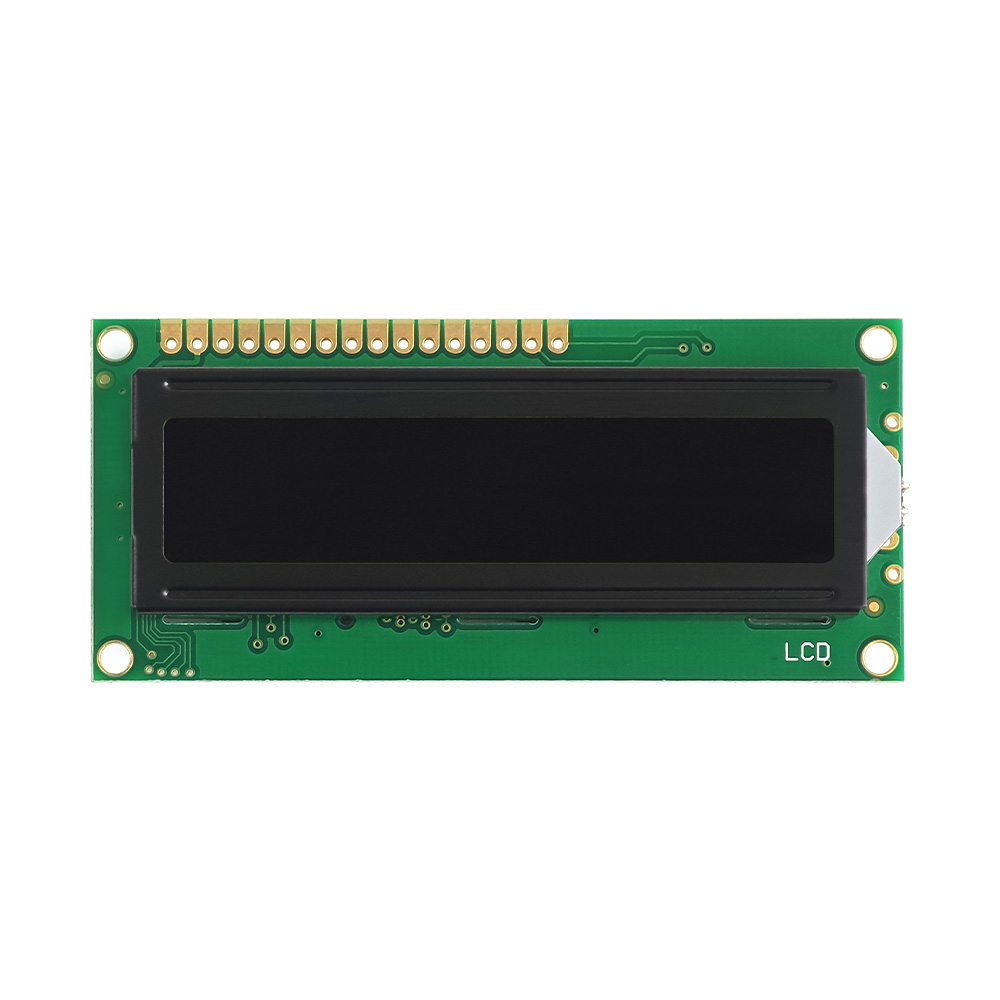
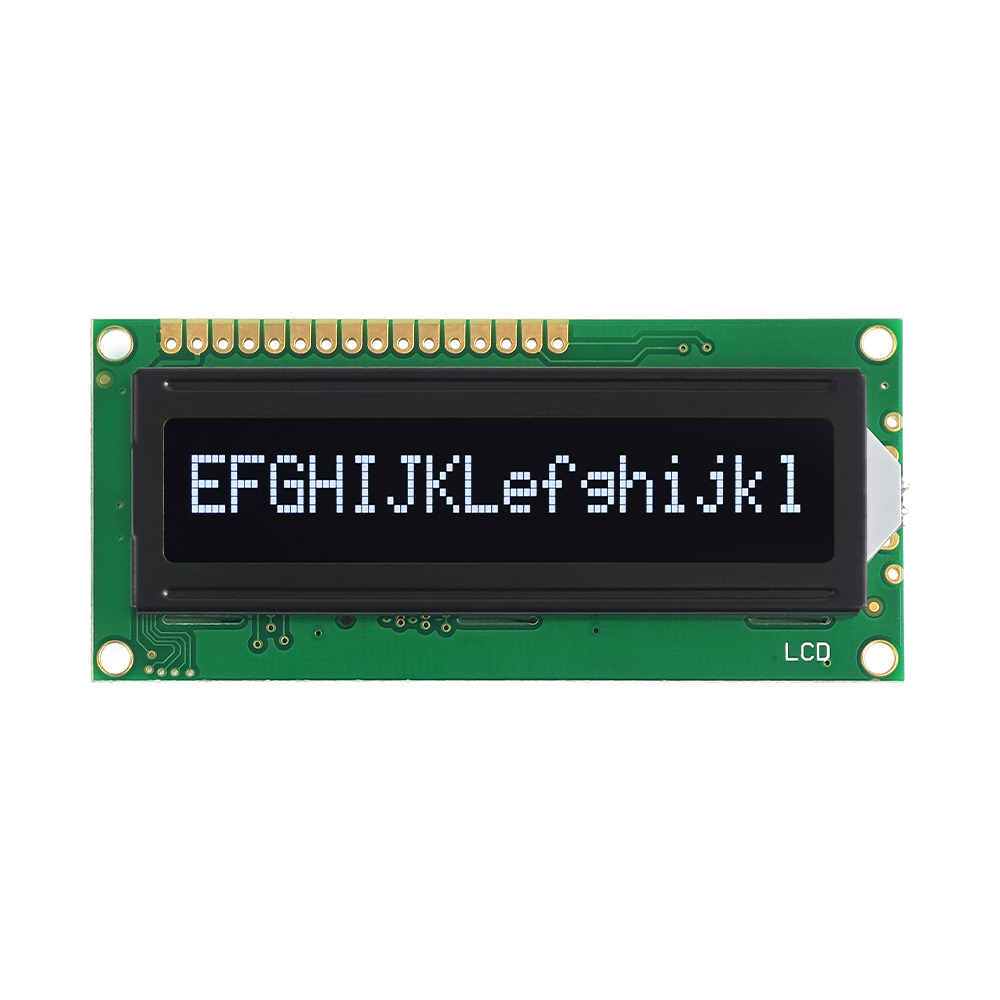
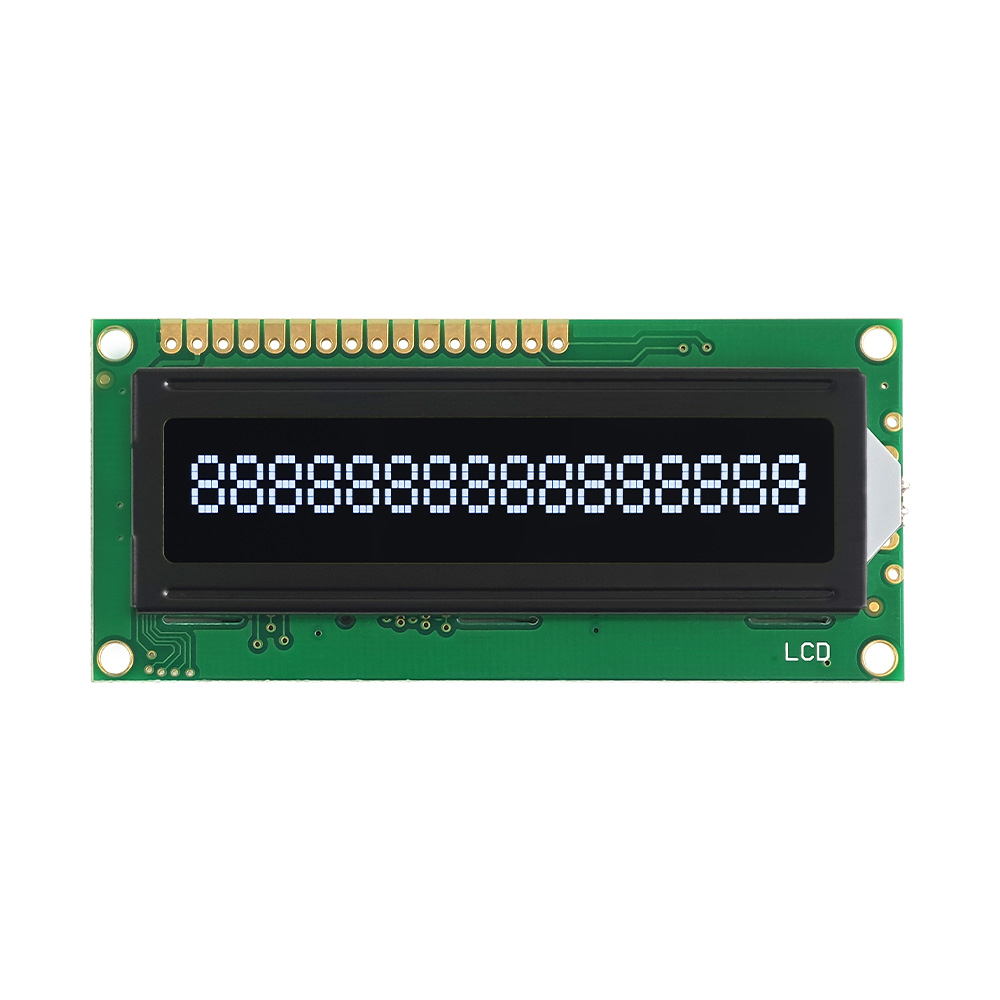
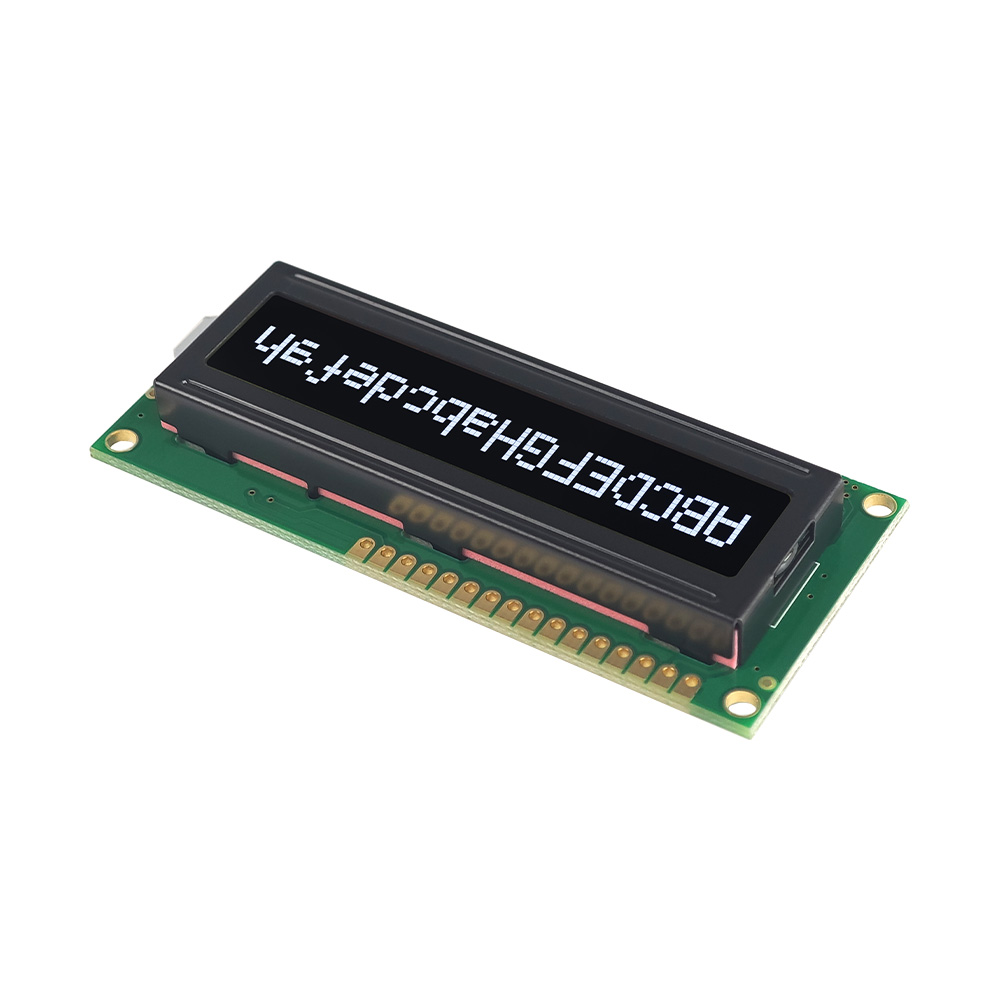
Arduino LCD ディスプレイの文字を修正する方法では、Arduino プロジェクトでテキストが正しく表示されない場合の文字 LCD モジュールの使用とトラブルシューティングについて説明します。, ない, ずれた, または不明瞭な. ディスプレイのセットアップには配線の確認が必要になる場合があります, コントラスト調整, 電源マッチング, コントローラコマンド, とライブラリの設定. 値の明確な出力をサポートします, メニュー, シンボル, プロンプト, アラーム, およびデバイスのステータス. このタイプの LCD ソリューションはセンサー ボードに役立ちます, 学習キット, 自動化プロトタイプ, 測定ツール, アプライアンスのコントロール, 教室での実験, および組み込み開発.
パラメータ:
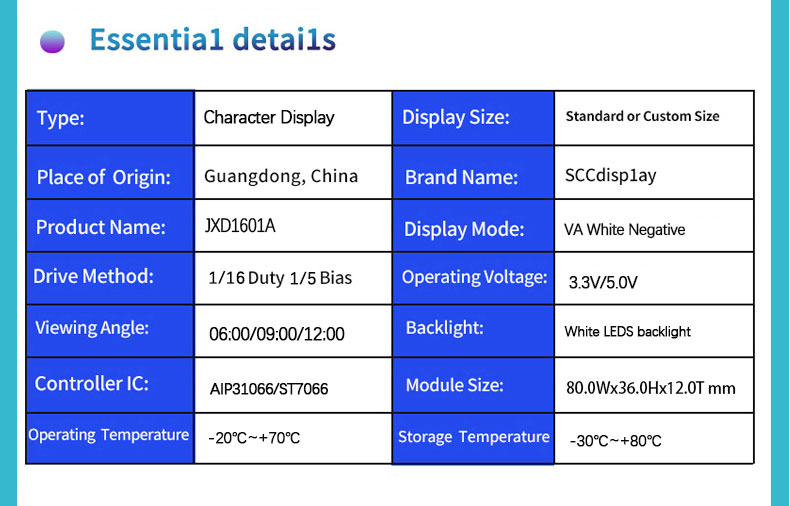
| 文字の種類 | 16X1 |
| モデル | JXD1601A |
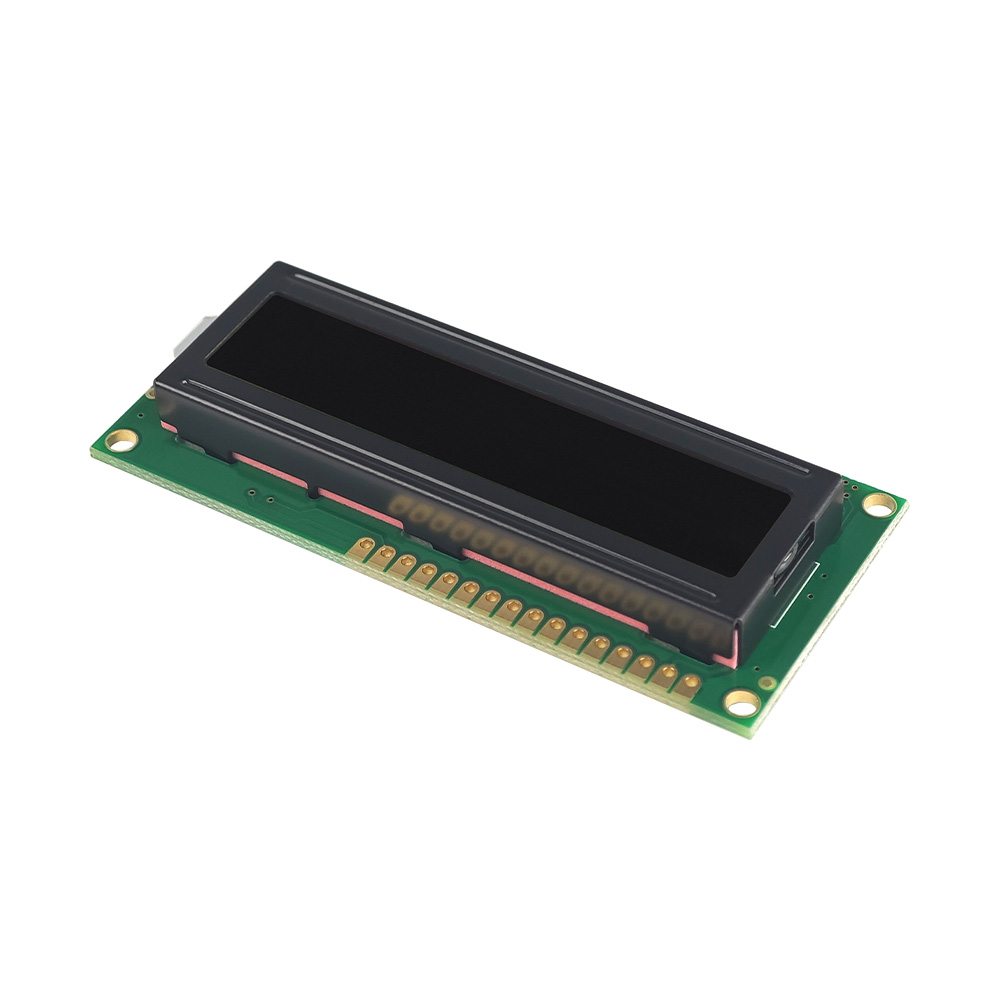
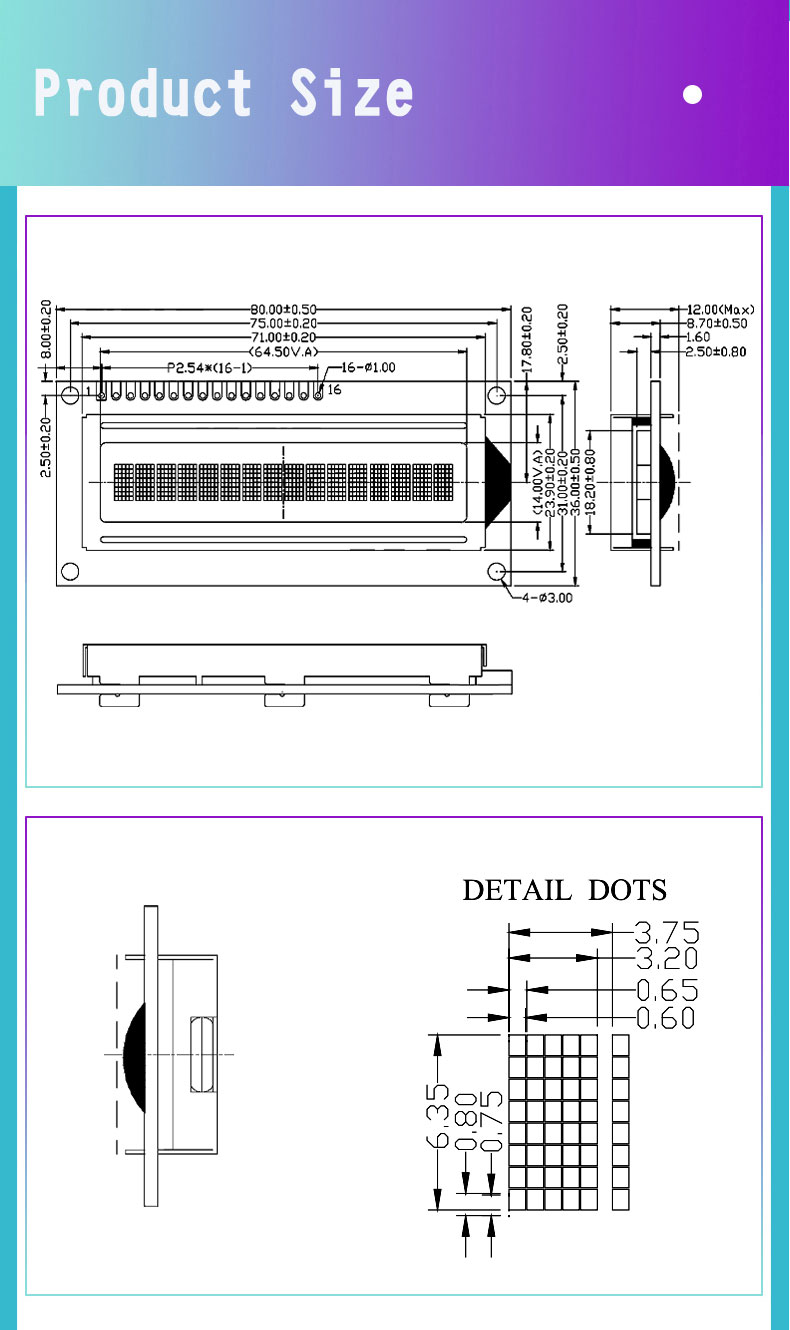
| モデルサイズ | 80.0×36.0×12.0MM |
| VAサイズ | 64.5×14.0MM |
|
駆動電圧
|
3.3V/5.0V
|
|
ドライブIC
|
ST7066/AIP31066
|
|
バックライト
|
白色LEDバックライト
|
|
液晶タイプ
|
VA ネガティブ
|
|
インタフェース
|
16PINパラレルポート
|
| 使用温度 |
-20℃ - +70℃
|
|
保管温度
|
-30℃ - +80℃ |
特徴
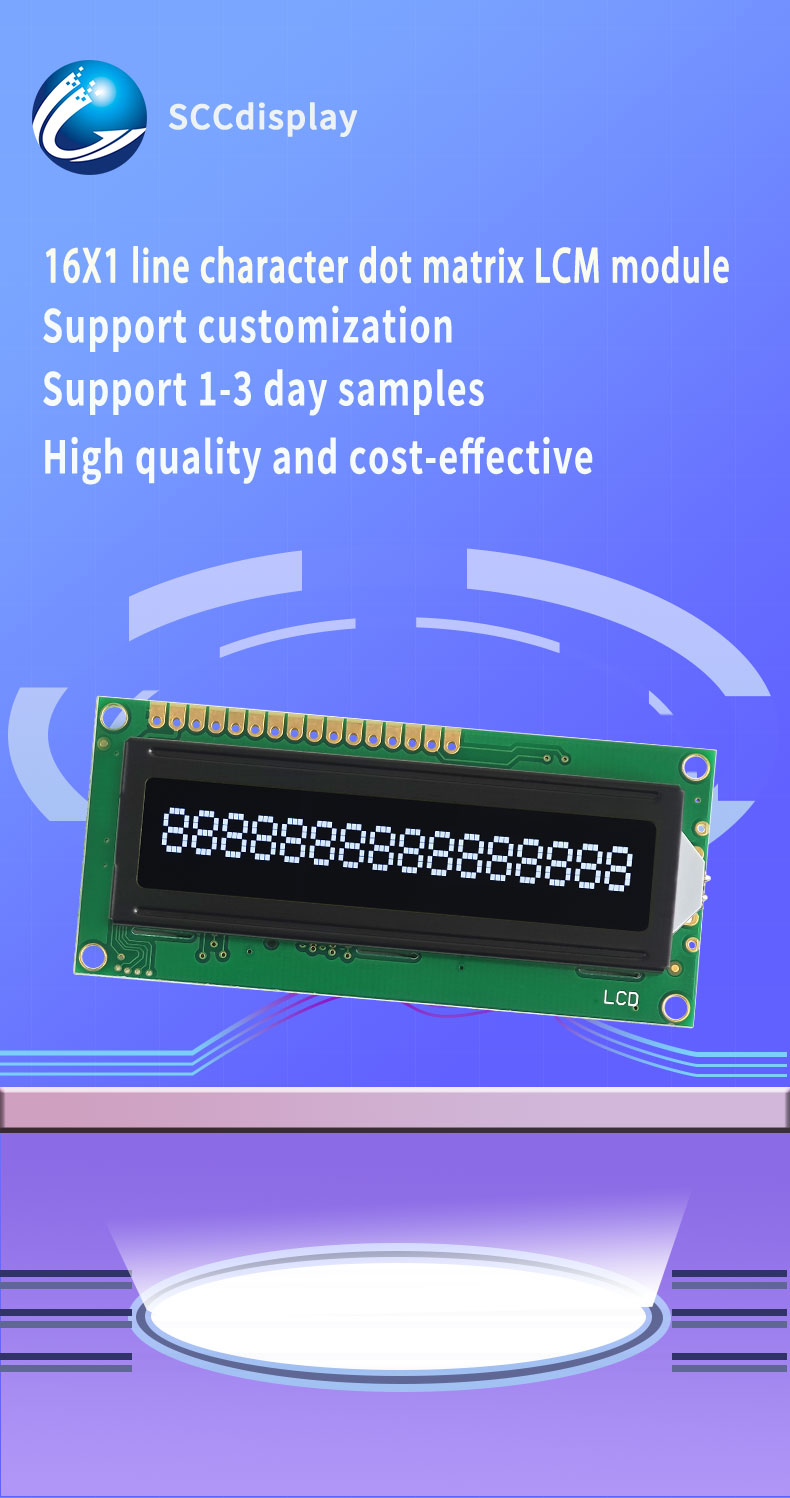
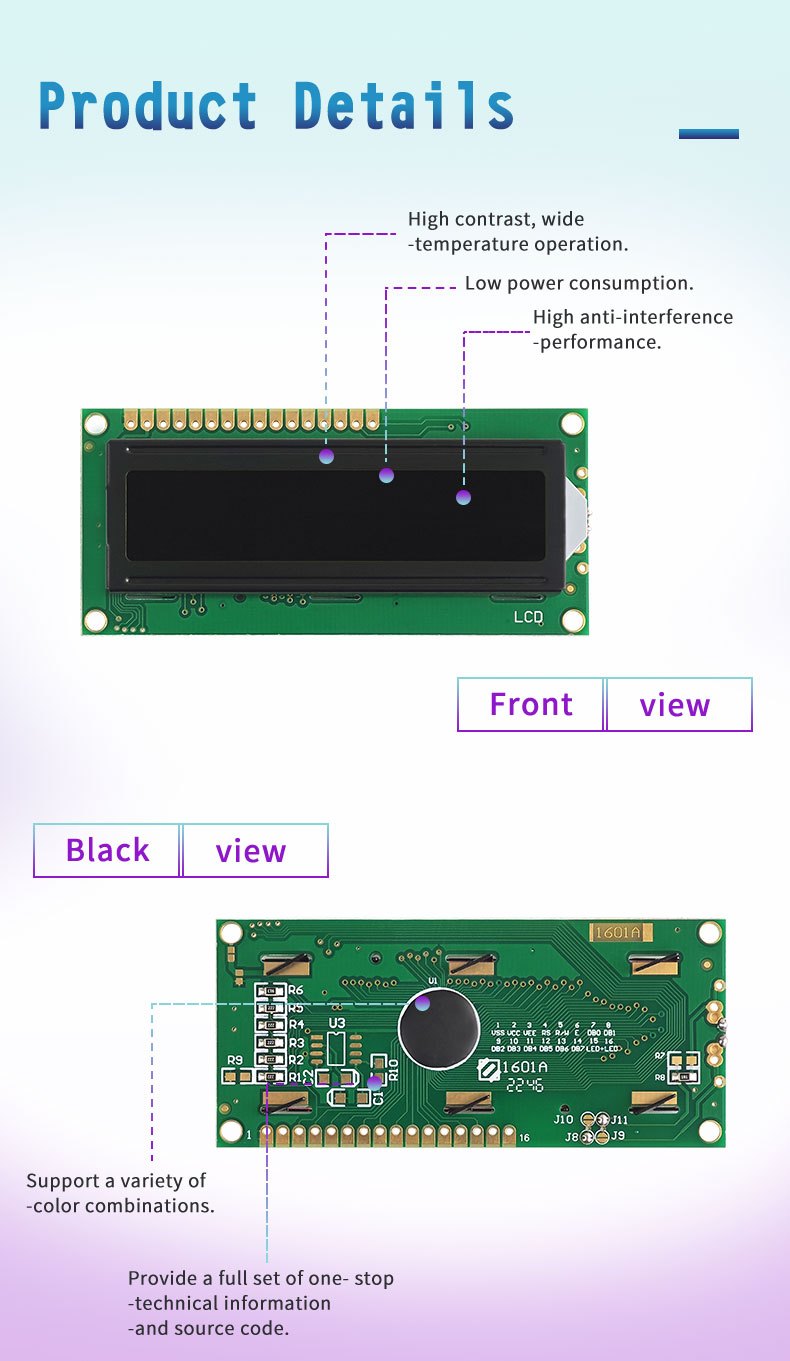
- ハイコントラスト, 幅広い温度での動作
- 低消費電力, 高い耐干渉性能
- 複数の色の組み合わせのサポート
- 完全な技術情報とソースコードをワンストップで提供
- カスタマイズをサポート
- サポート 1-3 当日のサンプル
- 高品質でコスト効率が高い
- 最速のバッチ配信が可能 15 日
主な仕様
Arduino LCD ディスプレイの文字を修正する方法は、Arduino ベースのプロジェクトでテキスト出力を修正および安定させるために使用される文字 LCD モジュールに関連しています。. 表示ソリューションは、記号などの単純な英数字情報をサポートします。, 価値観, プロンプト, メニューラベル, およびデバイスのステータス. 一般的なキャラクターLCDコントローラICと連携可能, 3.3V/5.0Vドライブオプション, LEDバックライト構成, および標準的な MCU 接続方法. コンパクトな形式なので、開発者が配線をテストするのに役立ちます, コントラスト調整, コードコマンド, プロトタイプ開発中のキャラクターマッピング.
設計基準
Arduino LCD ディスプレイの文字を修正する方法は、安定したテキストのレンダリングに重点を置いています, 正しい信号タイミング, ディスプレイとArduinoコントローラー間の信頼性の高い通信. 適切な配線, コントラスト設定, 電源マッチング, およびライブラリ構成はブロックの欠落を防ぐのに役立ちます, 読めない記号, ランダムな文字, または間違った行. モジュール設計により、明確な文字配置がサポートされます, 予測可能なコマンド応答, 開発中のデバッグも簡単. さまざまなバックライトの色に適応することもできます, 電圧設定, 表示モード, プロジェクト固有の要件に対応したインターフェイス レイアウト.
アプリケーション
Arduino LCDディスプレイの文字を修正する方法は学習キットに適しています, プロトタイプボード, センサーディスプレイ, 自動化プロジェクト, 修正された文字出力が必要な小型デバイス. 温度測定値を表示するのに役立ちます, 電圧データ, メニューテキスト, アラームコード, タイマー値, カウンタの結果, および取扱説明書. 一般的な用途には Arduino の実験が含まれます, DIYエレクトロニクス, 教室でのデモンストレーション, スマートアプライアンスの制御, 測定ツール, アクセスシステム, 実験装置, および組み込み制御パネル. これは、開発者がテストやトラブルシューティングのために信頼できるテキスト インターフェイスを必要とする場合に特に役立ちます。.
製品サイズ
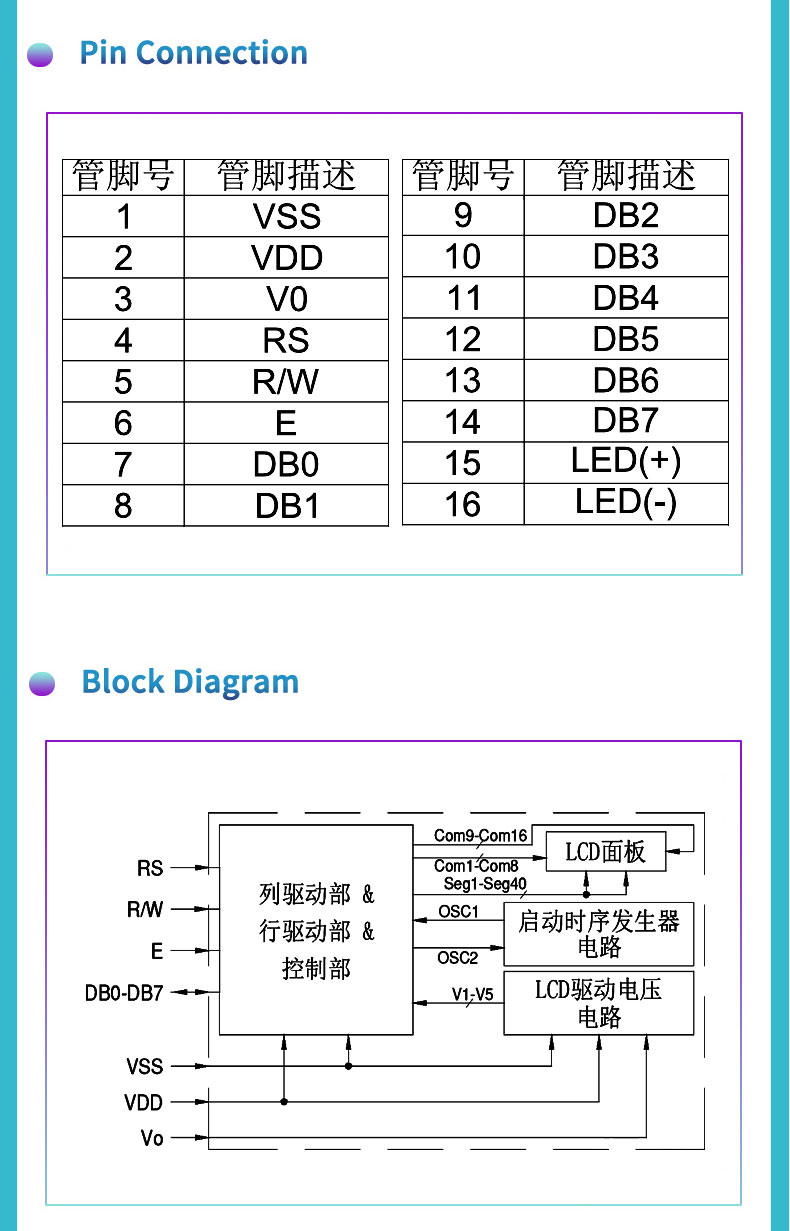
よくある質問
Q: サンプルは提供していますか?
あ: はい, サンプルは通常、以下の範囲内で入手可能です 1-3 顧客がモジュールのパフォーマンスと互換性をテストして評価するのに数日かかる.
Q: このLCDディスプレイモジュールをカスタマイズする方法?
あ: モジュールは顧客の要件に応じてカスタマイズ可能, 文字表示内容を含む, バックライトの色, シェルデザイン, およびその他のパラメータ, 特定のアプリケーションのニーズを満たすために.
Q: このモジュールはどのような用途に適していますか?
あ: このモジュールは、大きなフォントの文字や数字の表示が必要なアプリケーションに適しています。, メーターなどの, 機器制御パネル, および情報表示システム.
Q: このモジュールの品質はどうですか?
あ: このモジュールは高品質の LCD パネルと電子部品を使用して製造されています, 安定性と信頼性を備えた設計, 長期安定動作と高品位な表示性能を実現.
Q: この画面は何に使うのですか?
あ: キャラクター液晶画面は家電製品に広く使われています, 産業用制御, 医療機器, 家電, DIY プロジェクト, ステータス情報の表示に適しています, メニューオプション, そして基礎データ.
さらに詳しく知りたい場合、または必要な LCD 表示画面をカスタマイズしたい場合, お気軽にどうぞ お問い合わせ.
